Biometric photo-ID provider · Regulated identity documents
Photo-ID compliance app
AI image detection evaluates each capture against passport-photo compliance rules and surfaces the optimal compliant shot at the point of capture. One design system carried across an iPad app, an unattended kiosk and the web back-office, print pipeline included.
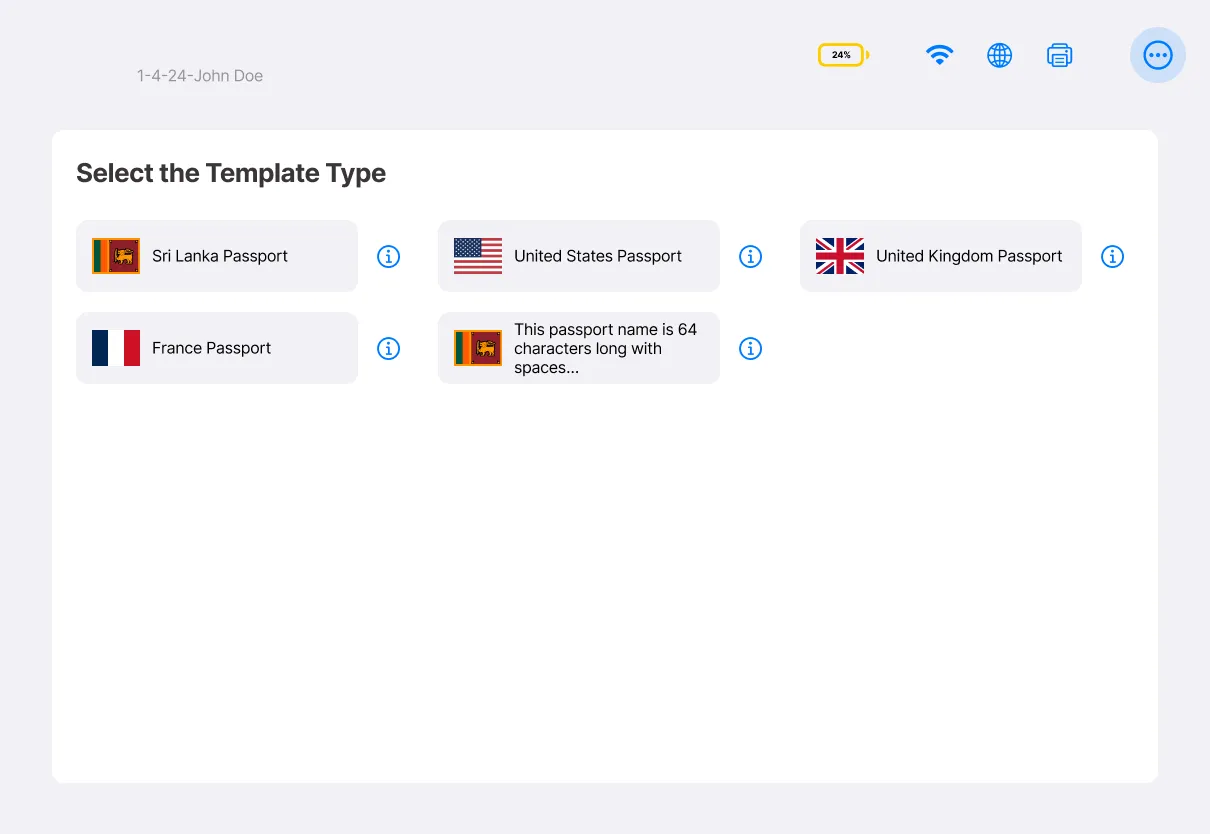
Document type is the first decision and sets everything downstream: the rules tested, the crop, the print sheet. Long authority names were specified to truncate, not to reflow the grid.
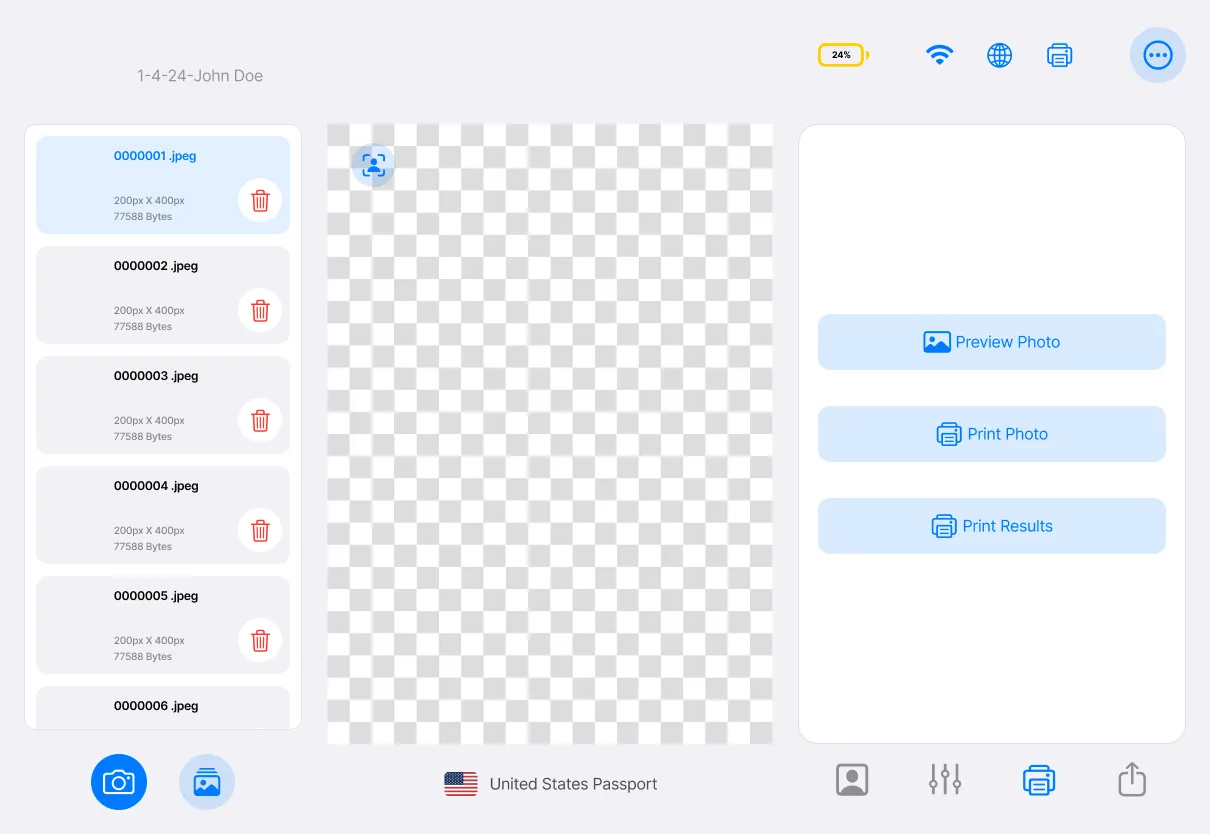
Captures on the left, the sheet in the middle, actions on the right — the same three-column frame the kiosk uses without an attendant to explain it.

The problem
Rejection arrived weeks after the photograph.
Passport and visa photographs fail on rules an operator cannot see: head height in frame, eye line, background uniformity, shadow, expression. Each authority states them differently. The cost of a miss is not a retake, it is a rejected application weeks later.
The people taking the photographs were not photographers. They were retail staff, and the same person had to serve a queue, pick the right document template, and get the crop right.
The approach
Show the rule, not the error code.
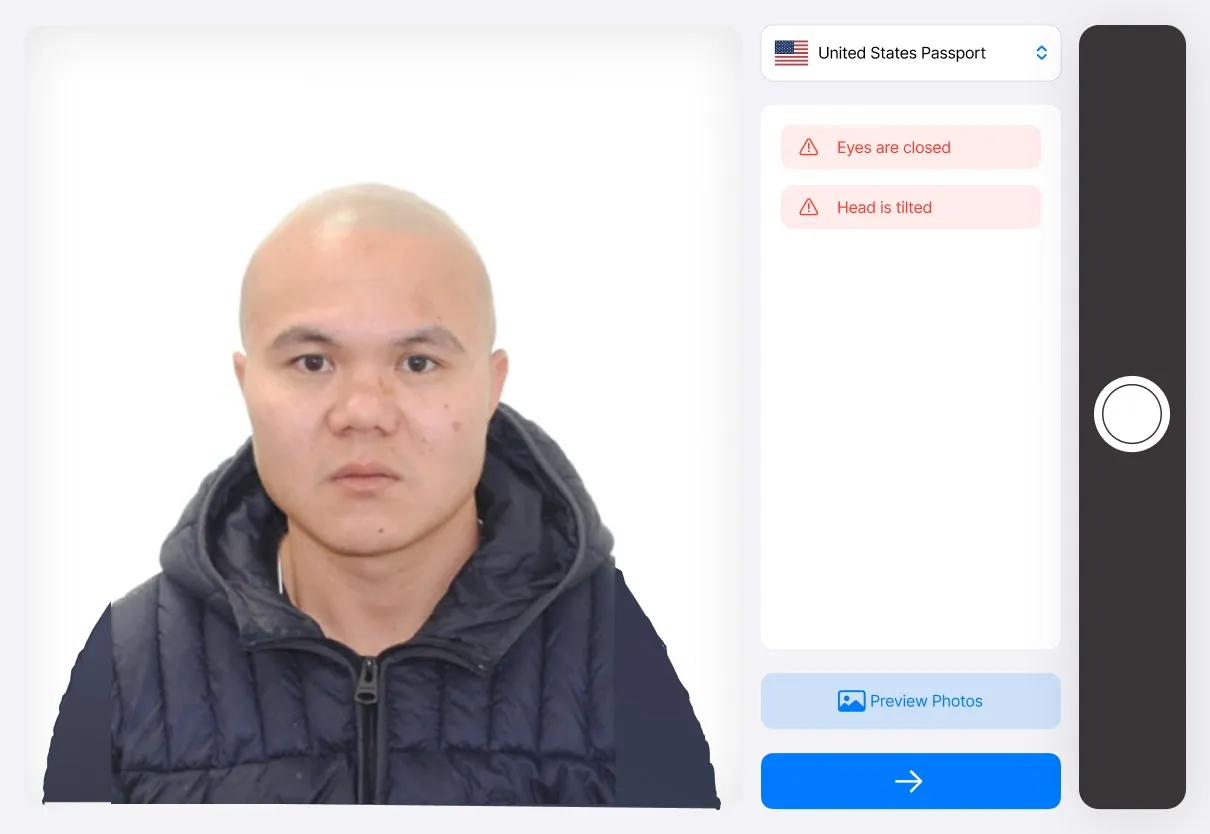
Detection runs live and the interface reports it as plain guidance against the selected document type, so the operator corrects the subject rather than interpreting a failure. The optimal compliant frame is chosen from the burst and presented for confirmation.
Template selection comes first and drives everything downstream: crop, print sheet, and the rules being tested. The same tokens and components dress an iPad in a shop, a kiosk with no attendant, and a back-office in the browser.
What shipped
- One system, three surfaces
- A single token set and component library dressing touch, kiosk and desktop without a fork.
- Capture and guidance flow
- Live compliance feedback, best-frame selection and confirmation, specified state by state.
- Print pipeline
- Sheet layouts, cut marks and template-driven output for each supported document type.
- Accessibility at token level
- WCAG contrast pairs, content sizing and touch targets fixed in the system, not per screen.